
Overview
When a Software-as-a-Service account is suspended, you lose immediate access to the platform and all its features within the broader Software-as-a-Service (SaaS) business model. Your data remains stored but inaccessible until the issue is resolved. The suspension timeline depends on the reason—payment issues typically allow 7-30 days for restoration, while policy violations may result in permanent suspension without recovery options.
Since SaaS products operate within cloud computing environments—where applications and data are hosted and controlled by the provider—this loss of access is inherent to how cloud-based services work.
What Triggers SaaS Account Suspension
Non-Payment Issues
Most SaaS providers suspend accounts when payment fails or subscriptions expire. You'll usually receive email warnings before suspension kicks in, giving you a grace period of 3-7 days to update your payment method.
Terms of Service Violations
Breaking the platform's rules triggers immediate suspension. This includes sharing login credentials, using the service for illegal activities, or violating usage limits. Providers take these violations seriously and may suspend without warning.
Security Concerns
Unusual login activity, detected malware, or compromised accounts get suspended to protect your data and other users. This is actually a safety measure—the provider locks access until you verify your identity or change your password.
Immediate Effects When Account Gets Suspended
Login Access Blocked
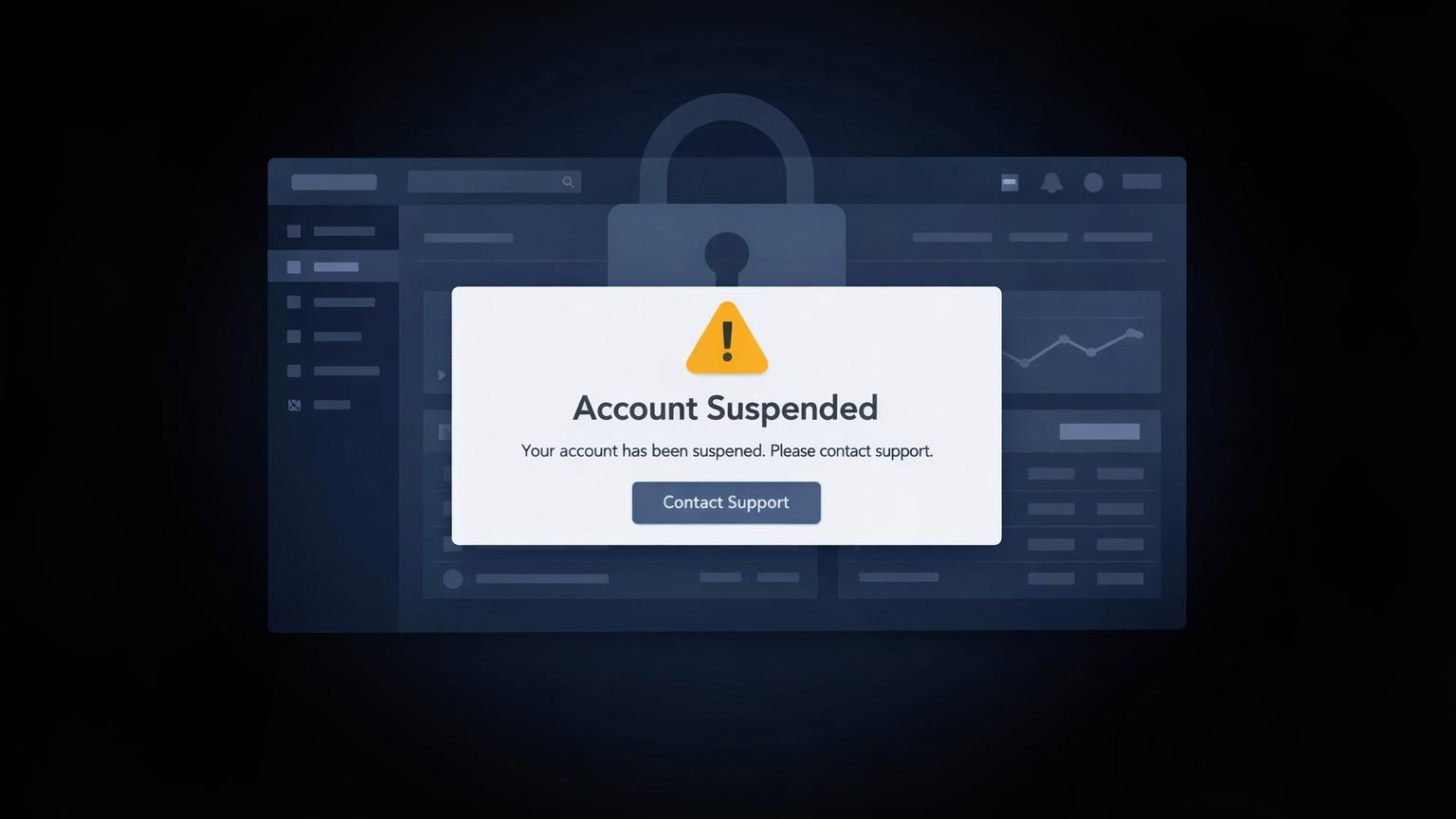
You can't log into the platform. The login page shows a suspension notice explaining why access is denied. Some providers let you view a read-only dashboard, but most block everything until you resolve the issue.
This happens because, unlike traditional IT systems where organizations control their own servers and software, SaaS platforms run entirely on provider-managed infrastructure.
Team Members Lose Access
Everyone on your account gets locked out—not just the admin. Your team can't access projects, files, or any work stored in the platform. This creates immediate disruption if you're mid-project.
Ongoing Services Stop
Automated workflows, scheduled reports, and integrations stop working. If you use the SaaS tool for customer-facing services, those go offline too. Email campaigns pause, chatbots stop responding, and API connections fail.
What Happens to Your Data
Data Retention Period
Most SaaS companies keep your data for 30-90 days after suspension. This gives you time to resolve payment or policy issues without losing everything. Premium plans sometimes offer longer retention periods.
Access Restrictions
You can't download, export, or view your data during suspension. Everything stays on the provider's servers, but it's locked behind the suspension wall. Some platforms offer a grace period where you can export data before full suspension.
Backup Availability
Don't assume the provider backs up your data separately. If the suspension leads to account deletion, your data goes with it. Third-party backups you set up before suspension remain safe, but anything stored only in the SaaS platform is at risk.
How Long Suspension Lasts
Payment-Related Suspensions
These usually last 7-30 days. Update your payment method, clear outstanding balances, and your access restores within hours. Some providers reactivate immediately after payment, others take 24-48 hours to process.
Policy Violations
Minor violations might get a 30-day suspension with reinstatement after you acknowledge the issue. Serious violations—like fraud or abuse—result in permanent suspension. You'll get one email explaining the decision, then the account closes for good.
Permanent Suspension Conditions
Repeated violations, chargebacks, or illegal activity lead to permanent suspension. The provider deletes your account and data after the retention period ends. There's no appeal process for severe cases.
Difference Between Suspension and Cancellation
What Suspension Means
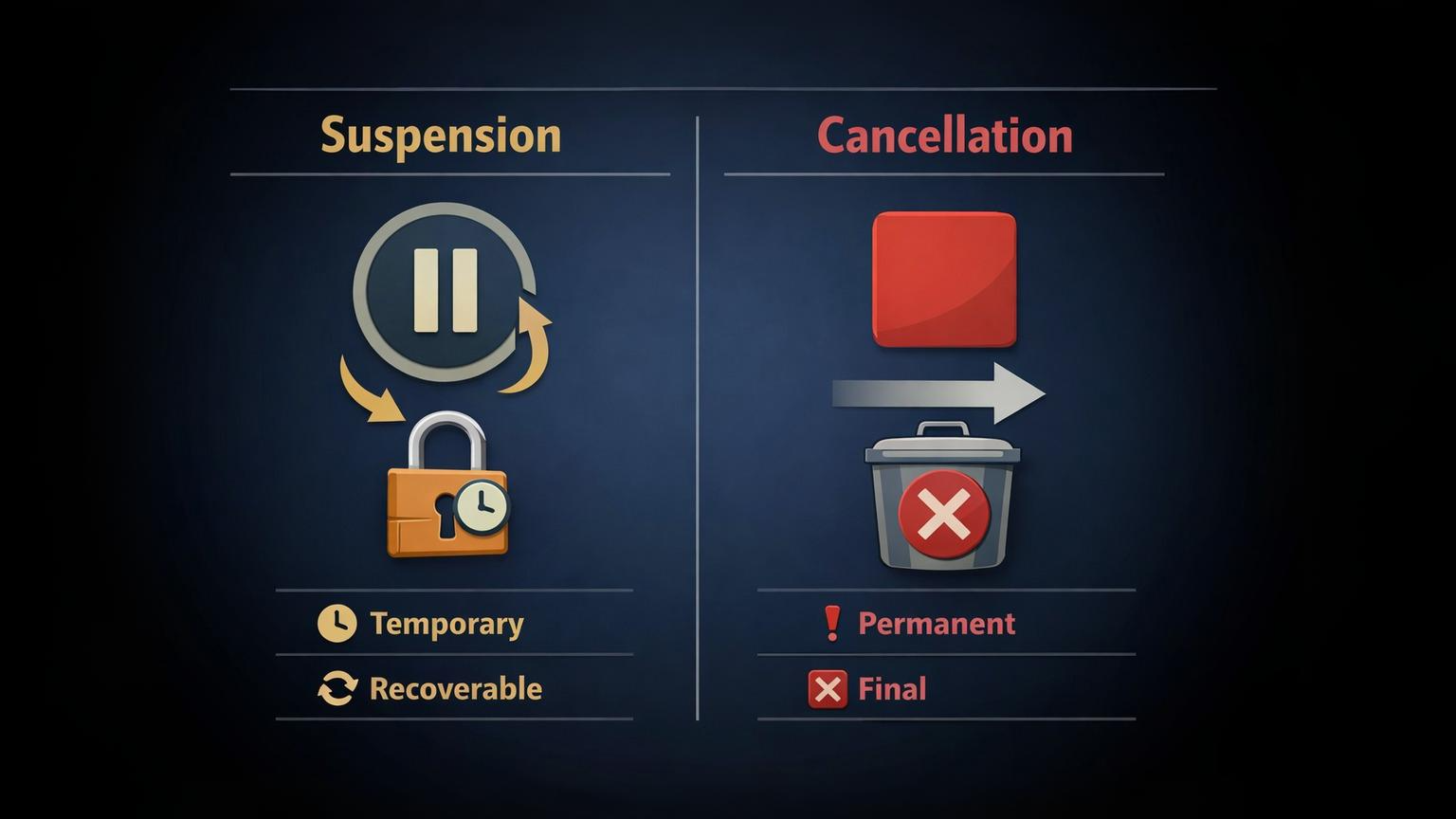
Suspension is temporary. Your account exists but access is blocked—unlike ownership-based software models, which is a core trait of the SaaS business model. Data stays intact during the suspension period. You can reactivate by fixing the problem—paying your bill or resolving the policy issue.
What Cancellation Means
Cancellation is you choosing to end the service. You voluntarily close the account, usually with a data export option. Most providers give you 30 days to download everything before permanent deletion.
Recovery Possibilities
Suspended accounts can be restored if you act within the retention window. Cancelled accounts are gone—some providers let you reopen with a new account, but your old data is lost.
Steps If Your Account Gets Suspended
1. Contact Support Immediately
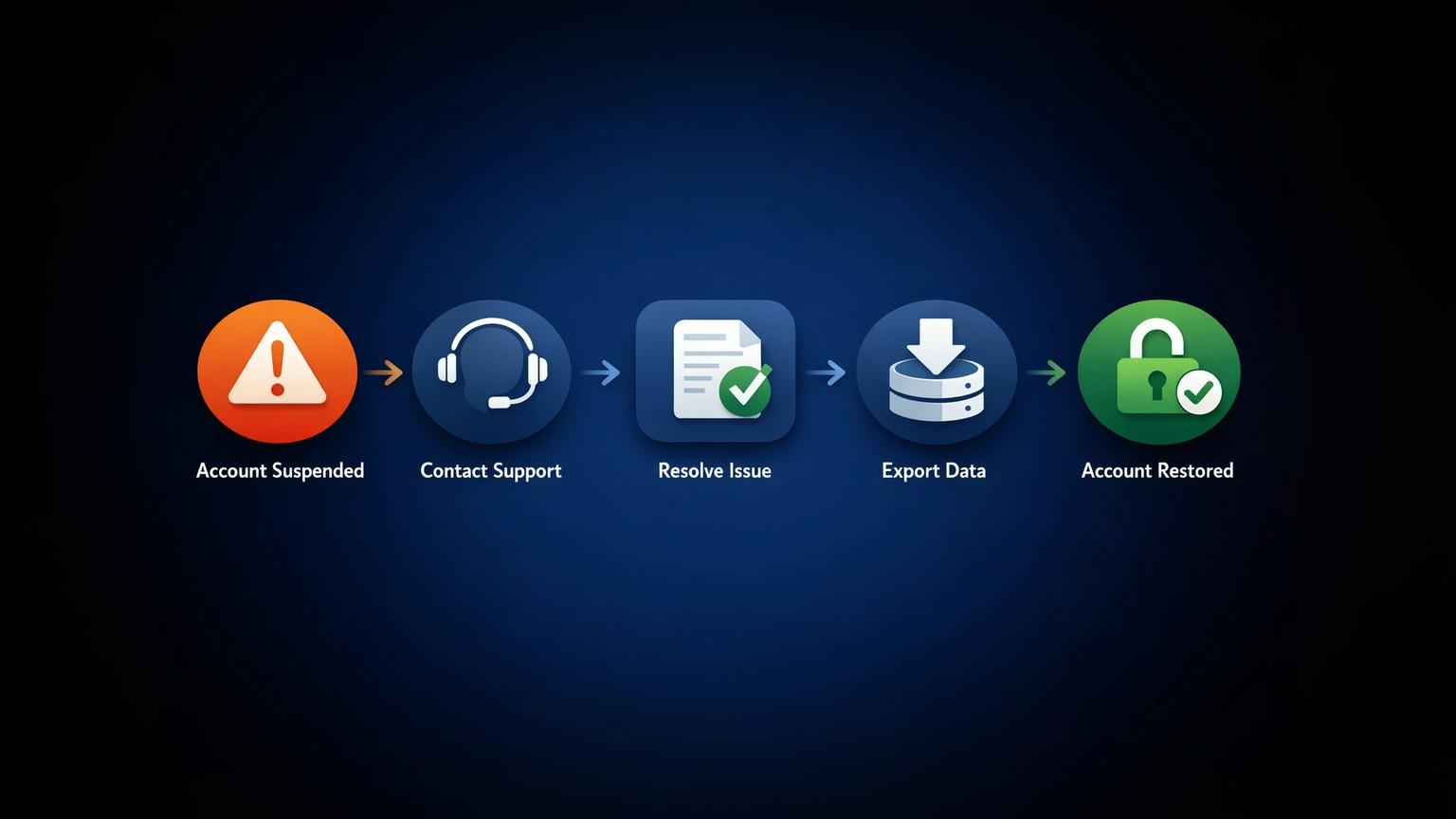
Don't wait. Email or call the provider's support team to understand why you were suspended. They'll tell you what went wrong and what you need to do. Response times vary, but most SaaS companies reply within 24 hours.
2. Resolve Payment or Compliance Issues
If it's a payment problem, update your card and clear any outstanding charges. For policy violations, acknowledge the issue and explain how you'll prevent it from happening again. Be honest—support teams have heard it all.
3. Export Your Data If Possible
Some providers give you limited access to export data before full suspension. Take advantage of this immediately. Download everything you need—customer lists, project files, reports. If export isn't available, negotiate with support for a one-time data retrieval.
Common Mistakes / Warnings
Assuming Your Data Is Automatically Backed Up
SaaS providers store your data, but they don't back it up for you separately. If you haven't set up your own backups, suspension means total loss when the retention period ends. Always maintain independent backups of critical data.
Waiting Too Long to Resolve Suspension
Time matters. If you wait beyond the retention period, your data gets deleted permanently. Most providers warn you once, then delete everything. Don't assume they'll extend the deadline—they won't.
Not Checking Your Suspension Email
The suspension email contains crucial information—why you were suspended, how long you have to fix it, and what steps to take. Ignoring it means you miss important deadlines and instructions.
Ignoring the Grace Period
Many providers offer a grace period before full suspension. Update your payment or address issues during this window, and you'll avoid suspension entirely. Once full suspension hits, recovery takes longer.
Frequently Asked Questions (FAQ)
1. Can you recover data after suspension?
Yes, but only during the retention period—usually 30-90 days. After that, the provider deletes everything permanently. Contact support immediately to arrange data export or account restoration.
2. How long before a suspended account is deleted?
Most SaaS companies delete suspended accounts after 30-90 days. Premium plans sometimes extend this to 120 days. The exact timeline appears in your suspension notice and the provider's terms of service.
3. Do you still get charged during suspension?
It depends on the suspension reason. Payment failure suspensions stop charging until you update your method. Policy violation suspensions may continue billing if your subscription is still technically active. Check your provider's policy.
4. Can team members access anything when suspended?
No. Everyone with access to your account gets locked out during suspension. Team members can't retrieve files, access projects, or use any platform features until you restore the account.
Final Summary
When your SaaS account gets suspended, you immediately lose access to all platform features and data. Your information remains stored but locked for 30-90 days, depending on the provider. Act quickly—contact support, resolve the issue, and export data if possible. Don't assume automatic backups or extended grace periods. The faster you address the suspension, the better your chances of recovering everything without permanent data loss.
Published by URX Media, a platform focused on learning and explaining digital marketing, business and technology concepts through simple, accurate breakdowns.
📚Related Articles
What Is a Software-as-a-Service (SaaS) Business Model and How Does It Work?
Software-as-a-Service (SaaS) is a cloud-based delivery system where users access applications through subscription payments rather than purchasing and installing software locally.

How Does Cloud Computing Benefit Youth-Led Projects? (A Practical Guide)
Cloud computing helps youth-led projects by removing traditional barriers like high upfront costs and technical complexity. Young teams gain immediate access to professional-grade tools through pay-as-you-go pricing, enabling real-time collaboration across locations without expensive hardware.
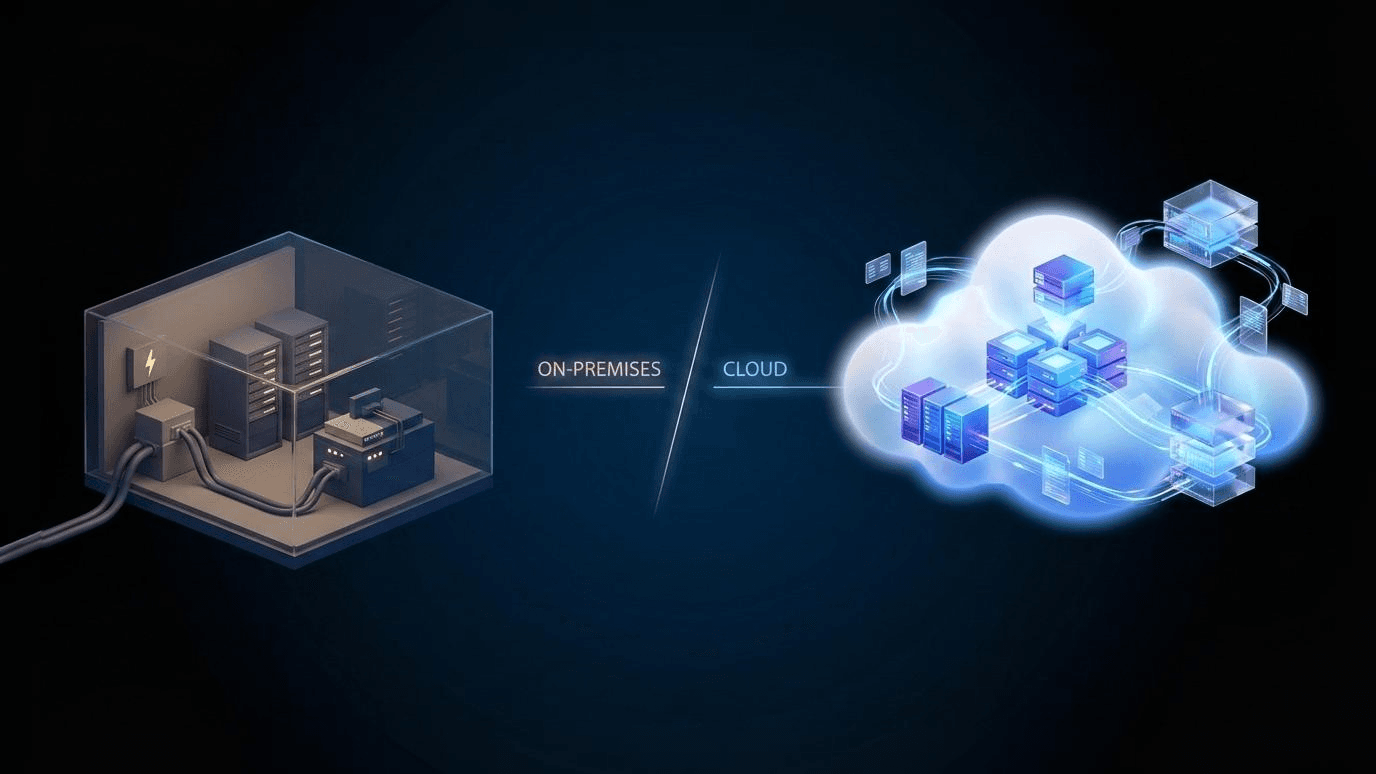
How Is Cloud Computing Different From Traditional IT Infrastructure?
Cloud computing delivers computing resources—servers, storage, and software—over the internet on demand. You don’t own the hardware; you rent what you need and scale usage up or down as required. Traditional IT infrastructure relies on physical servers and systems that a business owns, hosts on-site or in a private data center, and manages internally.
Showing 3 of 4 posts