Overview
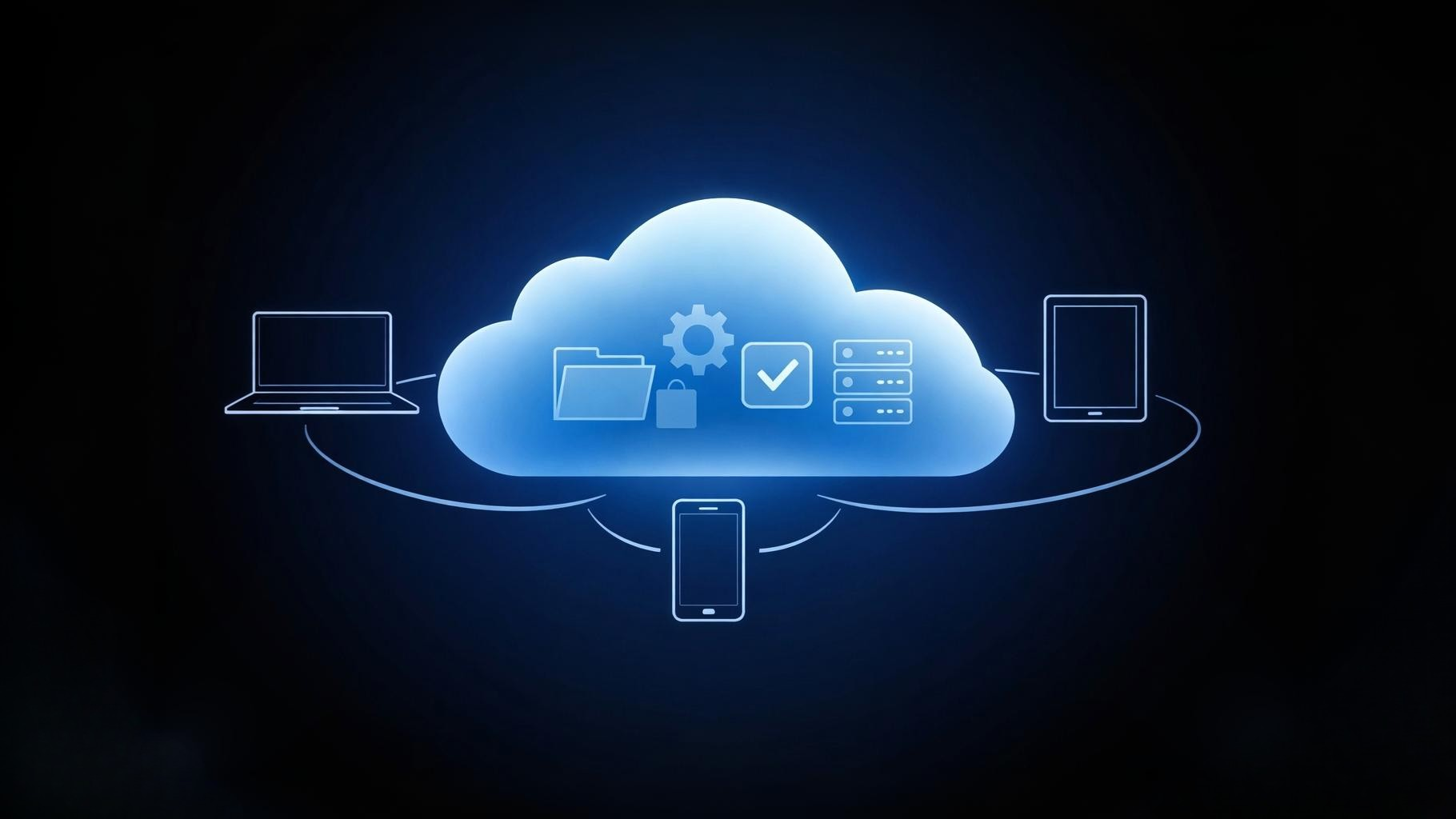
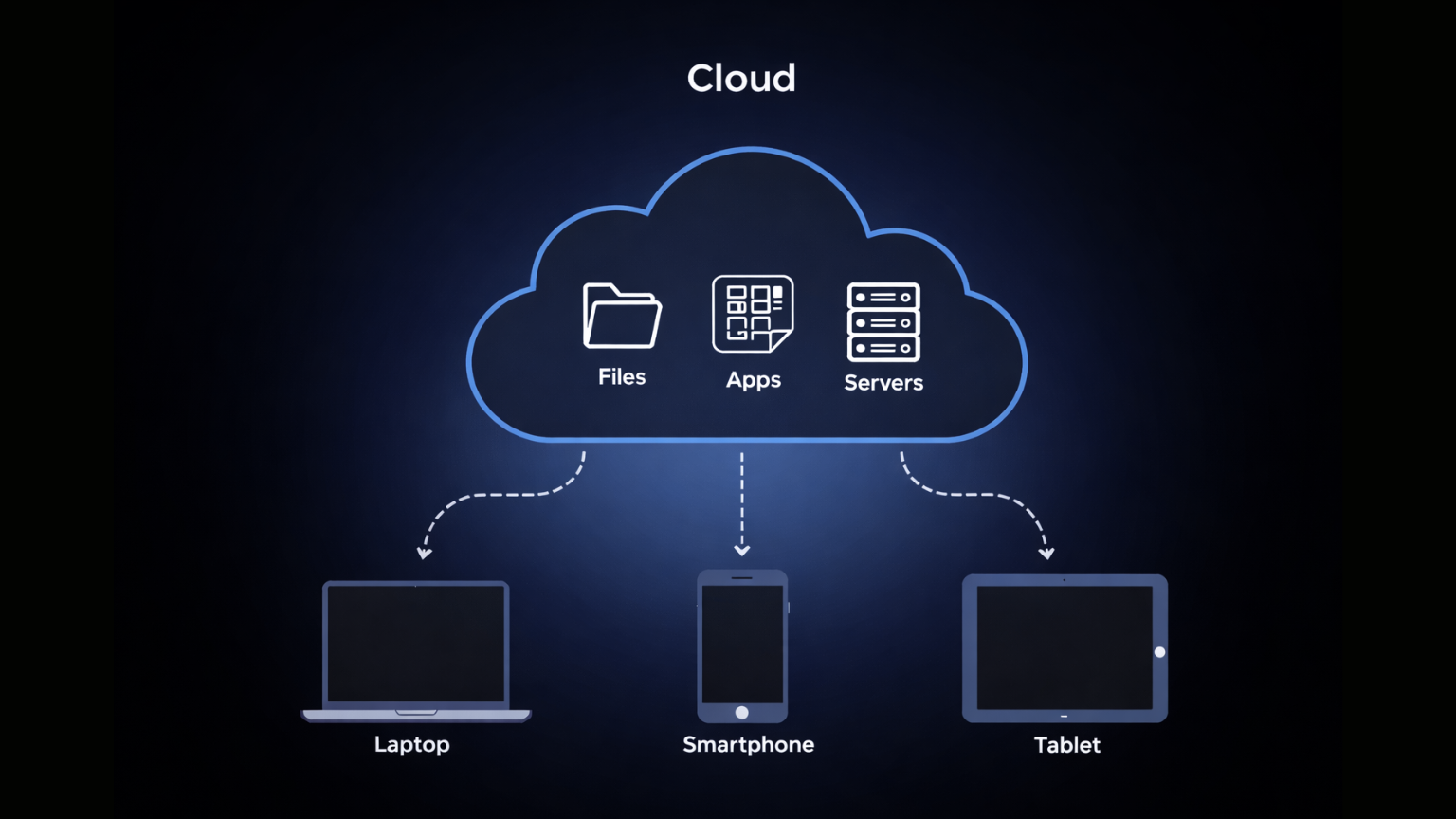
What is cloud computing? In simple words, cloud computing means using the internet to access and store data, programs, or services instead of keeping them on your own computer. It lets you use things like files, apps, or servers from anywhere, as long as you have an internet connection. This makes it easy to work, share, and save information without needing special hardware or technical skills.
To understand this concept more clearly, it also helps to see how cloud computing differs from traditional IT infrastructure.
How Cloud Computing Works
Cloud computing works by using remote servers connected through the internet. Instead of saving files or running programs on your own device, you use resources that live in large data centers managed by companies like Amazon, Google, or Microsoft. These servers do the heavy lifting, so you can access your data and apps from anywhere, on any device.
For example, when you use email services like Gmail, store photos in Google Photos, or stream movies on Netflix, you’re using cloud computing. The files and programs aren’t stored on your computer—they’re in the cloud, ready whenever you need them. This approach is popular because it’s simple, flexible, and doesn’t require you to buy or maintain expensive equipment.
Key Benefits of Cloud Computing
Cloud computing offers several practical benefits:
- Flexibility and access from anywhere: You can reach your files and apps from any device with an internet connection, whether you’re at home, at work, or on the go.
- Cost savings: There’s no need to buy powerful computers or servers. You pay only for what you use, which helps avoid big upfront costs.
- Automatic updates and backups: Cloud services handle software updates and data backups for you, so you always have the latest features and your information is safer from accidental loss.
Common Mistakes or Warnings
While cloud computing is convenient, there are a few things to watch out for:
- Relying on weak passwords or poor security: Always use strong, unique passwords and enable two-factor authentication when possible. Weak security can put your data at risk.
- Not understanding data privacy or ownership: Before uploading sensitive information, check who owns your data and how it’s protected. Some services may use your data in ways you don’t expect.
- Assuming all cloud services are the same: Not every provider offers the same level of security, reliability, or features. Compare options and read reviews before choosing a service.
Frequently Asked Questions (FAQ)
1. Is cloud computing safe for personal data?
Most major cloud providers use strong security measures, but your data’s safety also depends on your own habits. Use strong passwords and be careful about what you share.
2. Do I need special software to use cloud computing?
Usually, no. Most cloud services work through a web browser or a simple app, so you don’t need to install anything complicated.
3. Can I access my files if I lose internet connection?
Generally, you need an internet connection to reach your files. Some services let you save copies for offline use, but most cloud features require you to be online.
4. How is cloud computing different from traditional storage?
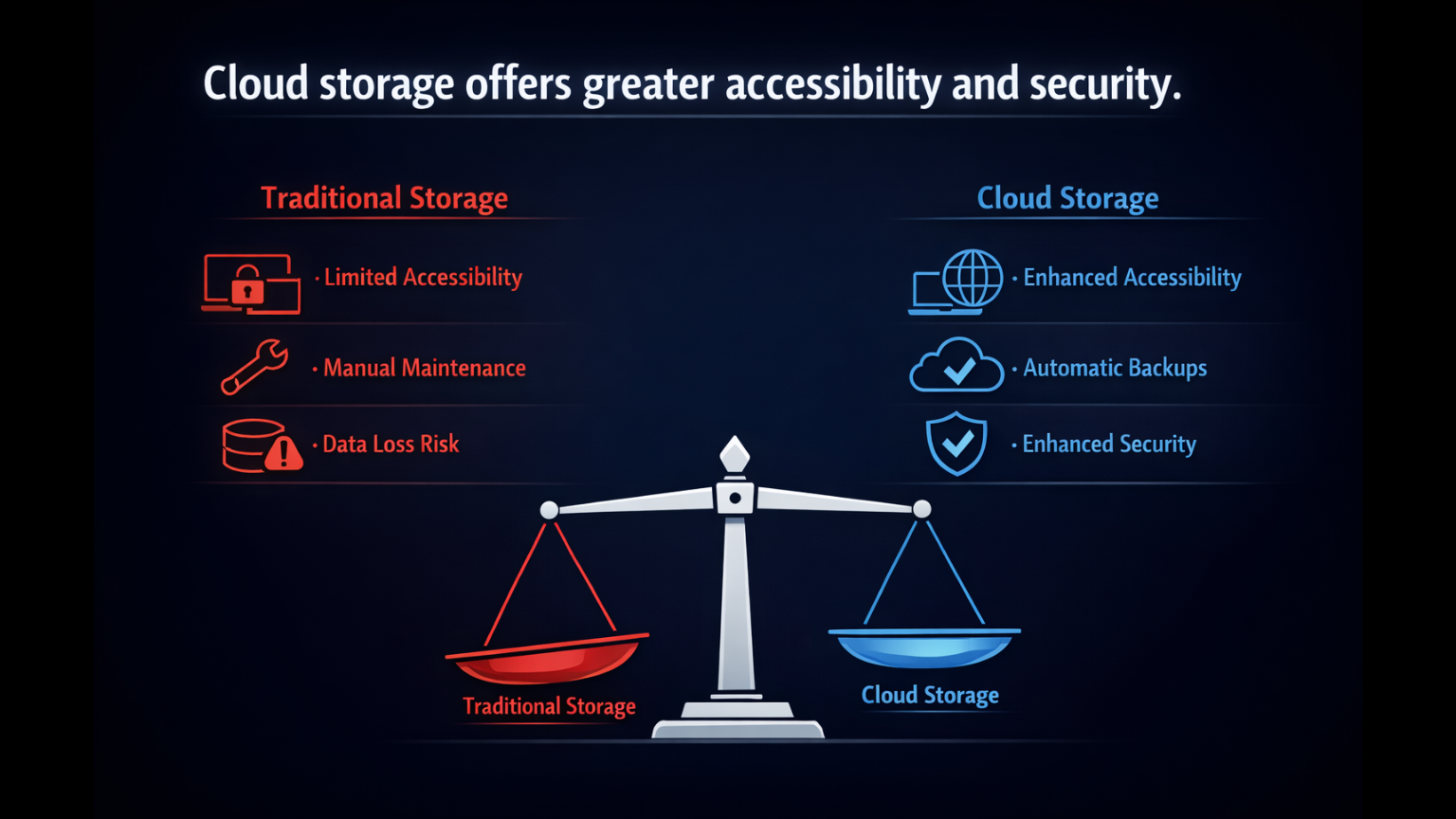
Traditional storage keeps files on your own device. Cloud computing stores them on remote servers, so you can access them from anywhere and don’t have to worry about losing data if your device breaks.
5. What are some popular cloud computing services?
Examples include Google Drive, Dropbox, Microsoft OneDrive, and Apple iCloud. These let you store files, share documents, and back up photos easily.
Final Summary
Cloud computing means using the internet to access and store your data and programs, instead of relying on your own device. It’s a simple way to work, share, and keep your information safe, no matter where you are. Understanding the basics helps you make smarter choices about how you use technology every day.
Published by URX Media, a platform focused on learning and explaining digital marketing, business and technology concepts through simple, accurate breakdowns.
📚Related Articles
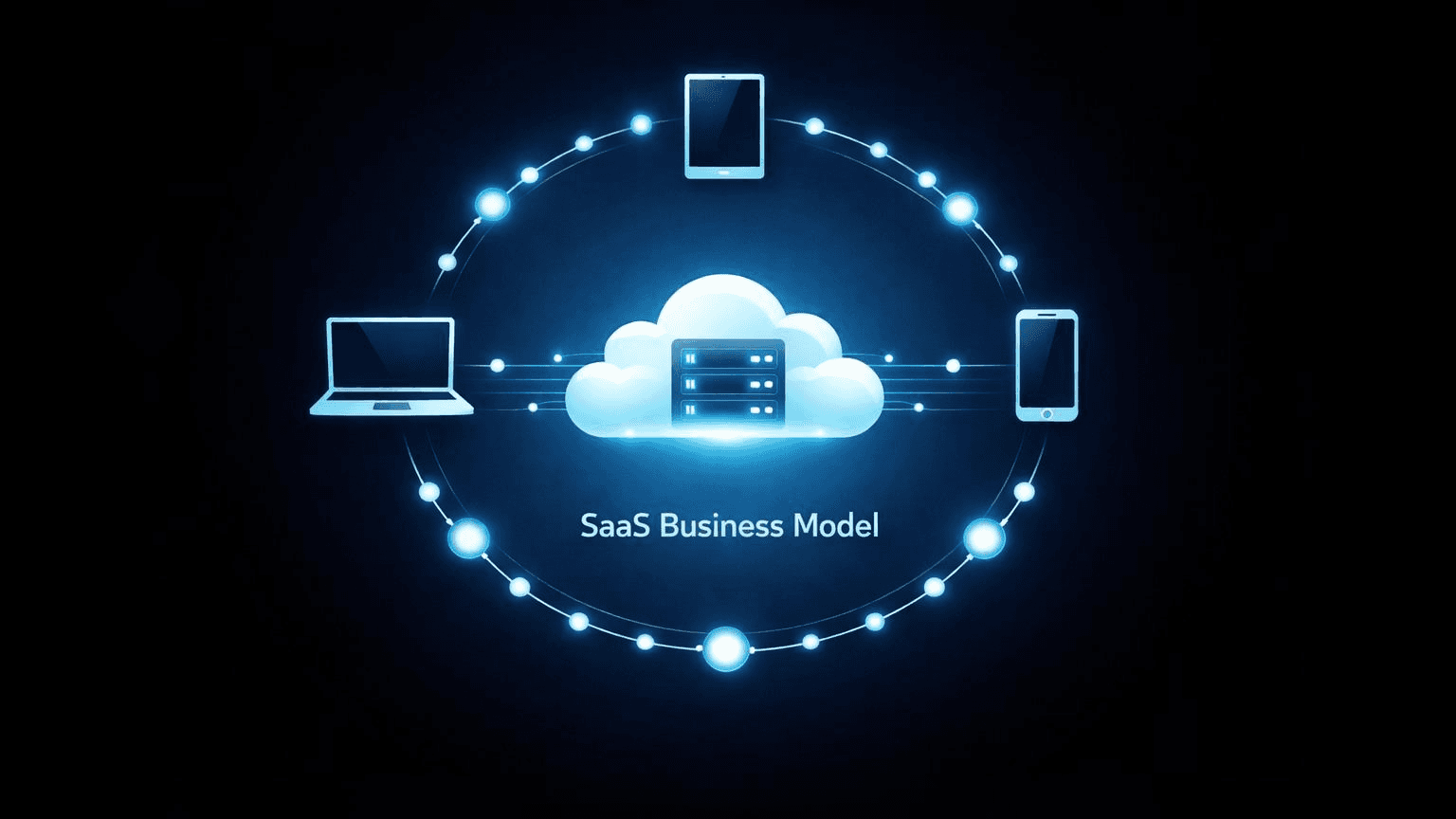
What Is a Software-as-a-Service (SaaS) Business Model and How Does It Work?
Software-as-a-Service (SaaS) is a cloud-based delivery system where users access applications through subscription payments rather than purchasing and installing software locally.
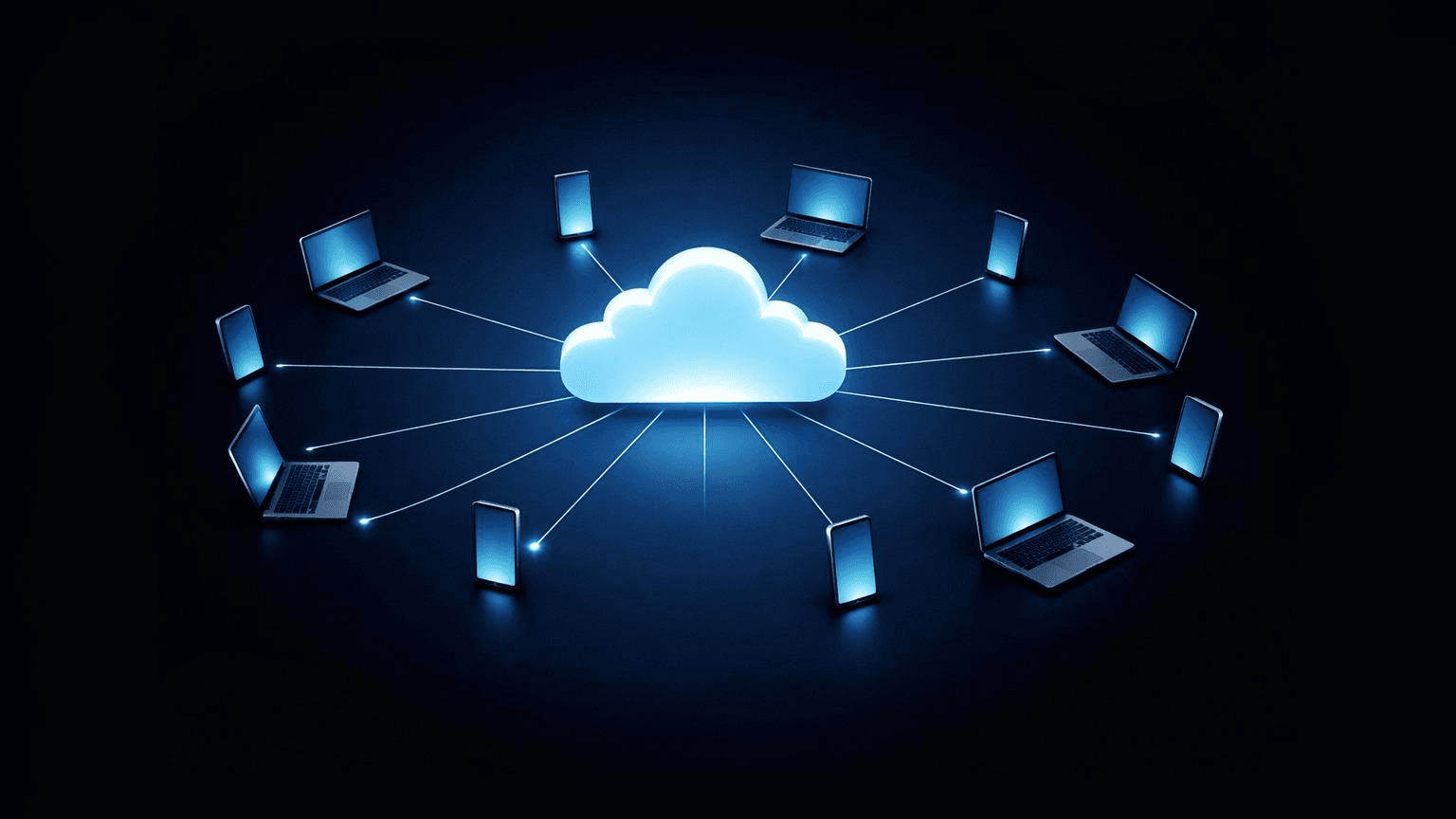
How Does Cloud Computing Benefit Youth-Led Projects? (A Practical Guide)
Cloud computing helps youth-led projects by removing traditional barriers like high upfront costs and technical complexity. Young teams gain immediate access to professional-grade tools through pay-as-you-go pricing, enabling real-time collaboration across locations without expensive hardware.
Showing 3 of 4 posts