Overview
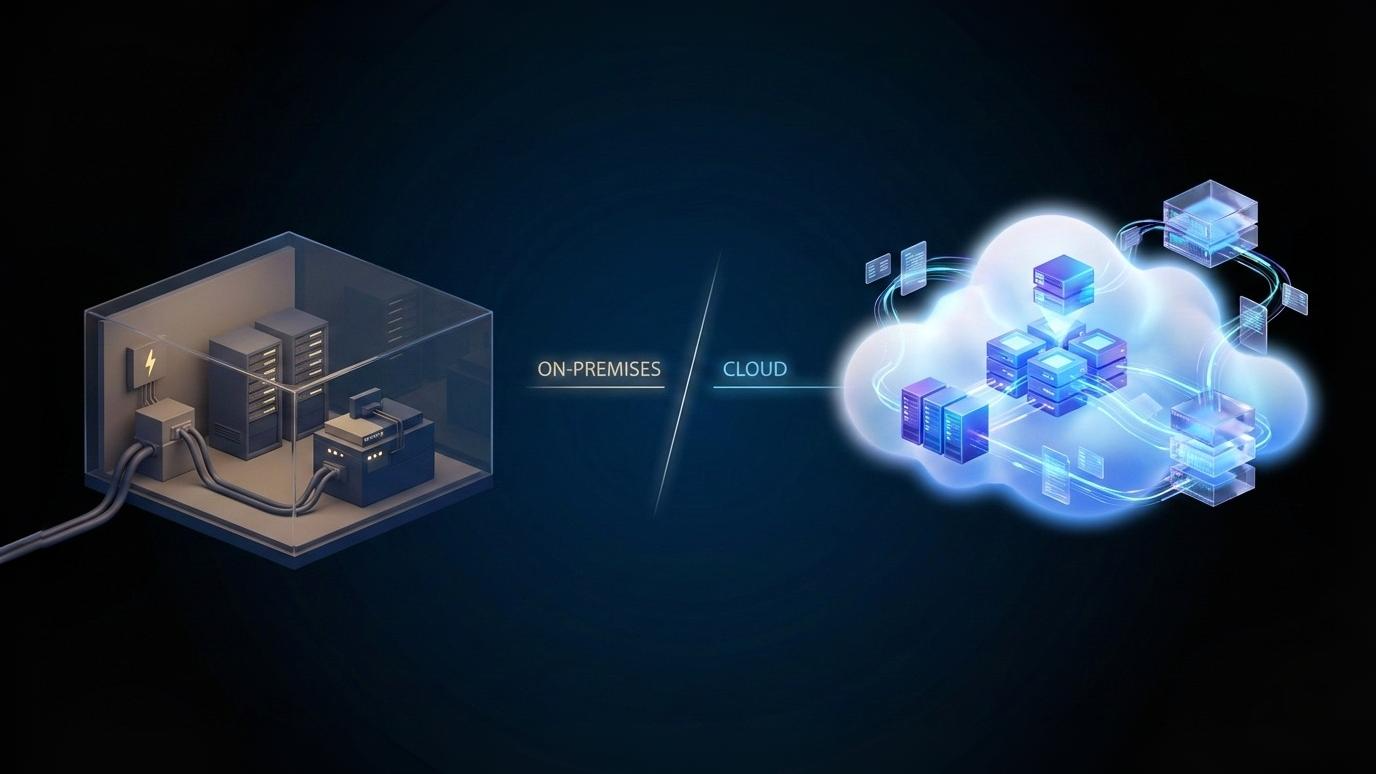
Cloud computing delivers computing resources—servers, storage, and software—over the internet on demand. You don’t own the hardware; you rent what you need and scale usage up or down as required. Traditional IT infrastructure relies on physical servers and systems that a business owns, hosts on-site or in a private data center, and manages internally.
The key difference comes down to control versus flexibility. Cloud shifts spending to ongoing operational costs and offers rapid scalability. Traditional IT infrastructure requires upfront capital investment, has fixed capacity, and places full responsibility for maintenance and upgrades on the organization.
Infrastructure ownership and location
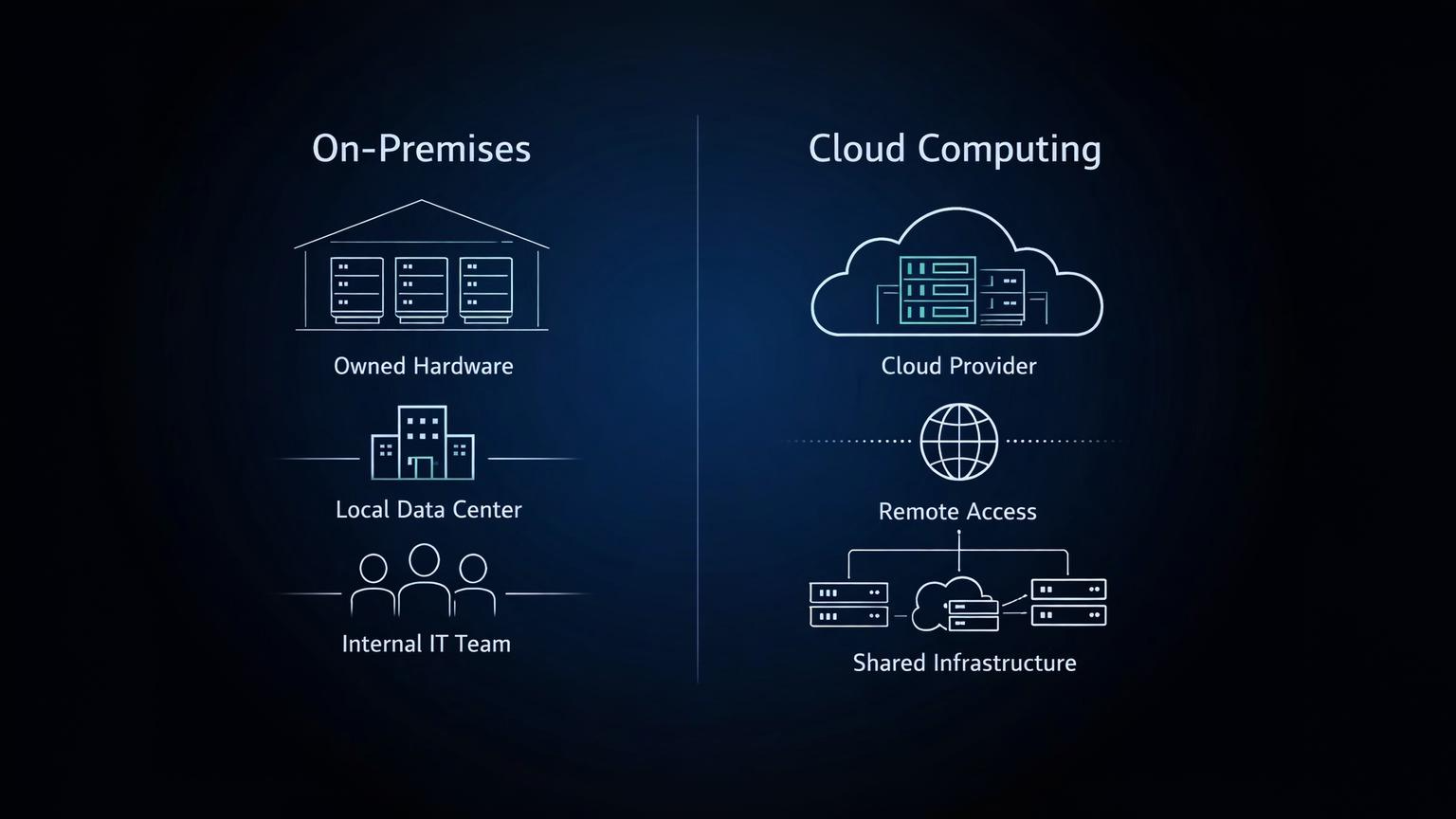
In traditional IT setups, the organization owns the servers, storage devices, and networking equipment. These systems usually live in an on-premises server room or a privately-managed data center. Physical access, hardware health, and environmental factors like cooling are all internal responsibilities.
With cloud computing, the infrastructure is owned by a cloud service provider and hosted in their data centers. Users access resources remotely through the internet. Responsibility is split: the provider manages the underlying hardware, while the customer manages how systems and data are used.
Cost structure and spending model
Traditional IT infrastructure follows a capital-expense model. Companies pay upfront for hardware, licenses, and installation, then depreciate those assets over time. Ongoing costs include power, cooling, physical space, and dedicated IT staff.
Cloud computing operates on a pay-as-you-go model. Costs align with actual usage, turning infrastructure into an operational expense. This lowers entry barriers but can reduce predictability if usage isn’t monitored closely. It’s a shift from owning capacity to paying for consumption.
Scalability and flexibility
Traditional IT infrastructure has fixed limits. If demand increases beyond capacity, new hardware must be purchased and installed, which takes time and planning. This often leads to overprovisioning just in case demand spikes.
Cloud platforms are designed for elasticity. Resources can scale up or down within minutes based on demand. This flexibility is especially useful for variable workloads. This difference becomes clear when considering how cloud computing differs from traditional on-premises IT infrastructure in handling sudden traffic or processing spikes.
Deployment speed and accessibility
Provisioning traditional IT resources can take weeks or months due to procurement, setup, and configuration. Access is typically limited to internal networks unless additional systems are configured.
Cloud resources can be deployed in minutes through web dashboards or APIs. Systems are accessible from anywhere with proper credentials, enabling distributed teams and faster experimentation. This directly impacts how quickly teams can launch, test, and iterate.
Maintenance, updates, and reliability
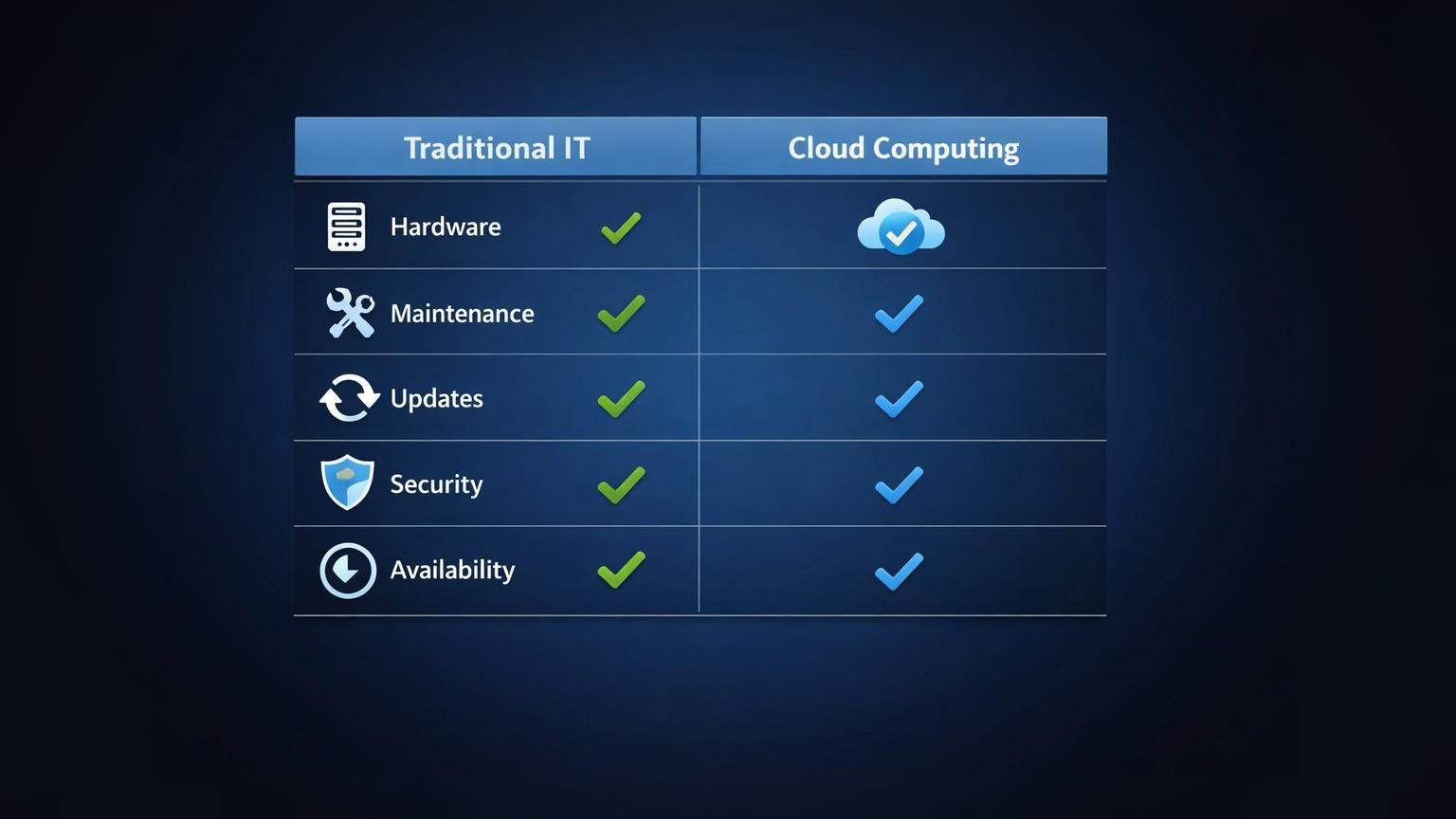
In traditional IT infrastructure, internal teams handle hardware failures, software updates, backups, and disaster recovery. Reliability depends heavily on budget, redundancy planning, and staff expertise.
Cloud providers handle infrastructure maintenance, physical security, and core system reliability. Built-in redundancy and uptime guarantees are common. However, customers are still responsible for configuration, access control, and data protection.
Common mistakes or warnings
Assuming cloud is always cheaper
Many teams move to the cloud believing it will automatically reduce costs. In reality, cloud pricing depends heavily on usage patterns. Workloads that run continuously or require consistent high performance can become more expensive in the cloud over time. Without evaluating long-term total cost of ownership, this assumption often leads to budget overruns.
Letting unused resources run and inflate monthly bills
Cloud services continue billing until resources are explicitly shut down. Idle virtual machines, unused storage, or forgotten test environments can quietly add to monthly costs. This issue usually arises from fast provisioning without disciplined cleanup, making regular cost reviews necessary.
Treating cloud systems exactly like on-prem servers
Cloud infrastructure is not a direct replacement for traditional servers. Designing cloud environments with fixed capacity, manual scaling, or static configurations limits the benefits of elasticity and automation. This approach often results in inefficient performance and higher costs.
Overlooking security setup and access controls
Cloud providers secure the underlying infrastructure, but customers are responsible for configuring access, permissions, and data protection. Misconfigured settings, weak identity management, or overly broad access rights are common causes of security incidents. Assuming security is fully handled by the provider is a critical mistake.
Skipping cost and performance-monitoring tools
Without monitoring, it’s difficult to understand how resources are used or where money is being spent. Cloud platforms offer built-in tools for tracking usage, performance, and spending, but they must be actively configured. Ignoring these tools makes it harder to detect inefficiencies or unexpected costs early.

Frequently Asked Questions (FAQ)
1. Is cloud computing just someone else’s computer?
In simple terms, yes—but with layers of automation, security, redundancy, and management tools that most organizations can’t build on their own.
2. Can traditional IT infrastructure be more secure than cloud?
It can be, if managed well. Security depends more on configuration and processes than on location alone.
3. Do companies completely replace traditional IT infrastructure when moving to cloud?
Not always. Many use a mix of both, keeping certain systems on-prem while using cloud for flexibility.
4. Is cloud computing suitable for small businesses?
Often yes, because it reduces upfront costs and simplifies infrastructure management.
Final Summary
Traditional IT infrastructure involves owning and managing physical hardware internally, which requires upfront capital investment and offers a high level of control but limited flexibility.
Cloud computing, by contrast, provides on-demand access to scalable resources over the internet, shifting costs to a usage-based model and enabling faster deployment and easier scaling.
While cloud environments offer speed, elasticity, and reduced infrastructure management overhead, they also require careful cost monitoring and proper configuration. Ultimately, the right choice depends on workload characteristics, budget constraints, operational priorities, and the level of control an organization needs over its systems.
Understanding these differences helps teams make clearer, more practical infrastructure decisions.
Published by URX Media, a platform focused on learning and explaining digital marketing, business and technology concepts through simple, accurate breakdowns.
📚Related Articles
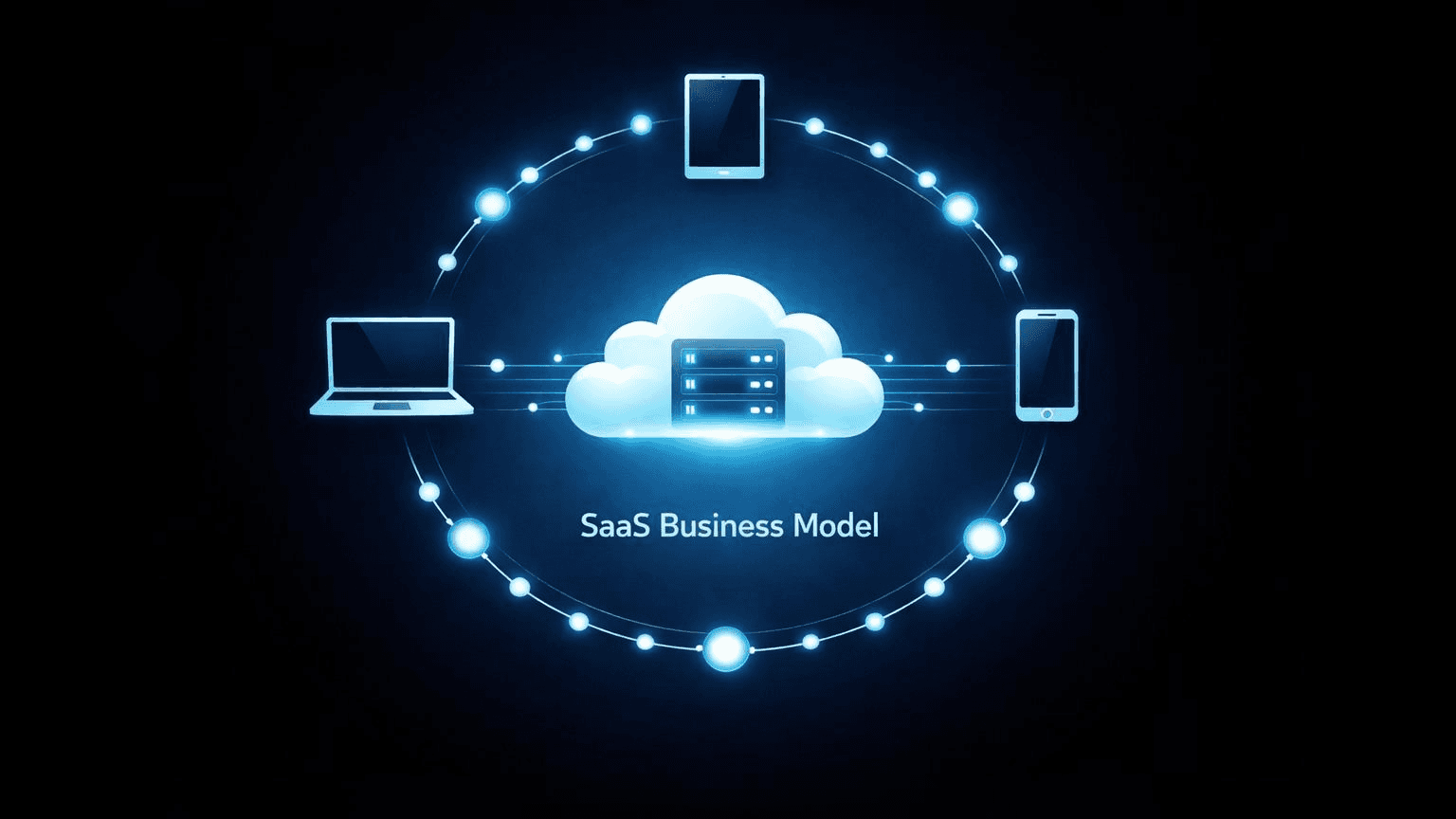
What Is a Software-as-a-Service (SaaS) Business Model and How Does It Work?
Software-as-a-Service (SaaS) is a cloud-based delivery system where users access applications through subscription payments rather than purchasing and installing software locally.
How Does Cloud Computing Benefit Youth-Led Projects? (A Practical Guide)
Cloud computing helps youth-led projects by removing traditional barriers like high upfront costs and technical complexity. Young teams gain immediate access to professional-grade tools through pay-as-you-go pricing, enabling real-time collaboration across locations without expensive hardware.
Showing 3 of 4 posts