
What is Google Blogger Used For?
Google Blogger is used for free blog hosting and personal publishing. It's a straightforward platform where individuals create hobby blogs, share niche content, test ideas, or publish quickly without managing servers.
Google Blogger works best for beginners who want a simple, no-cost way to get content online—backed by Google's infrastructure. You don't need technical skills, and you can start publishing within minutes. It's ideal for personal journals, community updates, or exploring blogging before committing to paid platforms.
Core Uses of Google Blogger
Publishing Personal Blogs and Journals
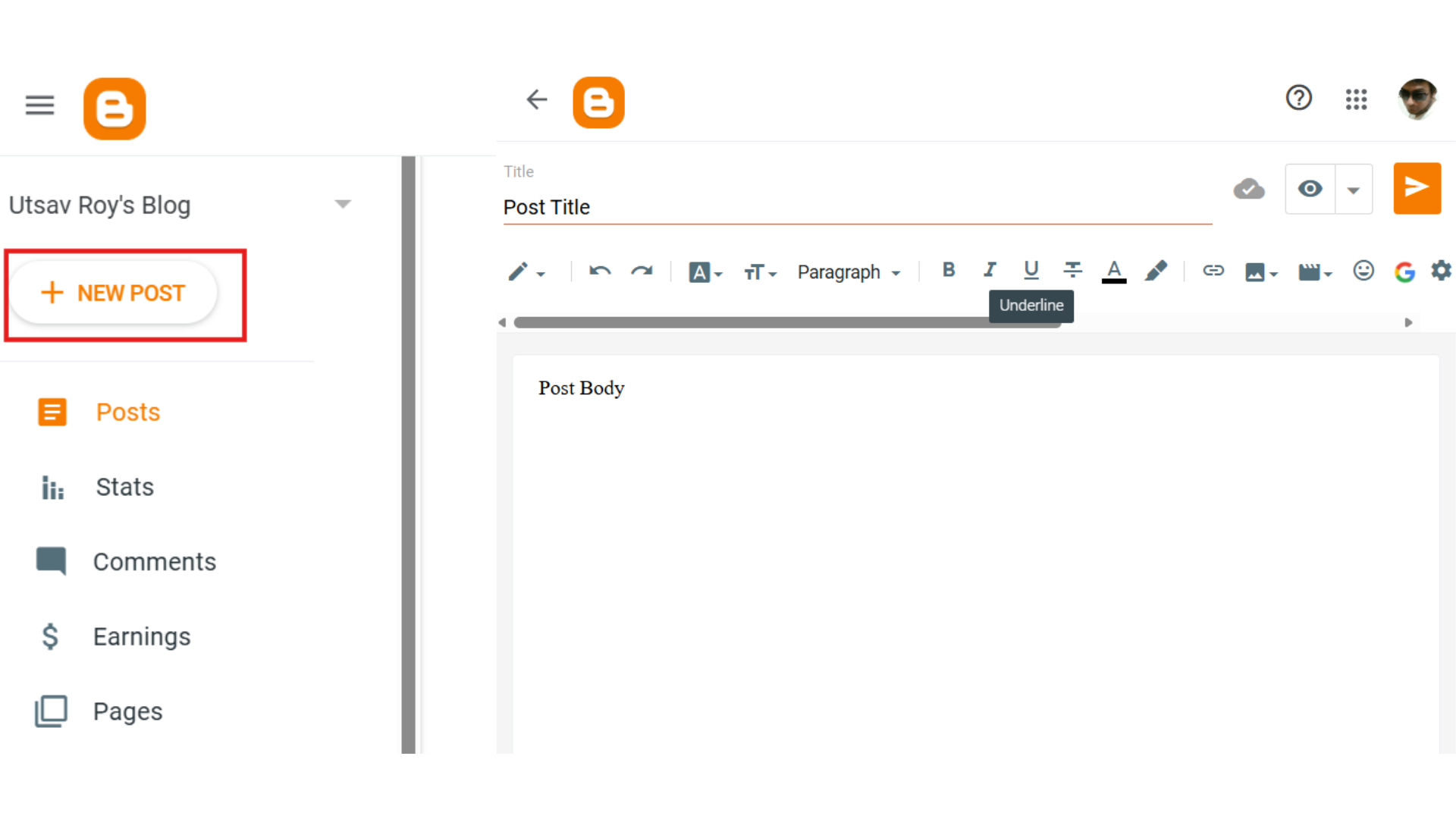
Google Blogger excels at hosting personal storytelling—think travel logs, life updates, or daily reflections. Since it's completely free and requires no technical setup, you can focus entirely on writing. There's no need to worry about hosting fees, domain registration (unless you want a custom domain), or server maintenance. You sign in with a Google account, pick a template, and start typing. It's that simple.
This makes Google Blogger a natural fit for anyone who wants to document experiences without the complexity of self-hosted platforms. Your content lives on Google's servers, so uptime is reliable and security is handled automatically.
Creating Hobby and Niche Content Sites
Recipe blogs, photography portfolios, book reviews, DIY project logs—Google Blogger handles these well. The platform includes built-in commenting, so your readers can engage directly with your posts. Templates are mobile-responsive by default, which means your hobby site looks decent on phones and tablets without extra work.
Customization is limited compared to more advanced platforms, but for straightforward niche content, Google Blogger provides enough flexibility. You can adjust colors, fonts, and layouts through the template editor. If you're sharing recipes or craft tutorials and don't need complex features, Google Blogger gets the job done.
Testing Blog Ideas Before Committing
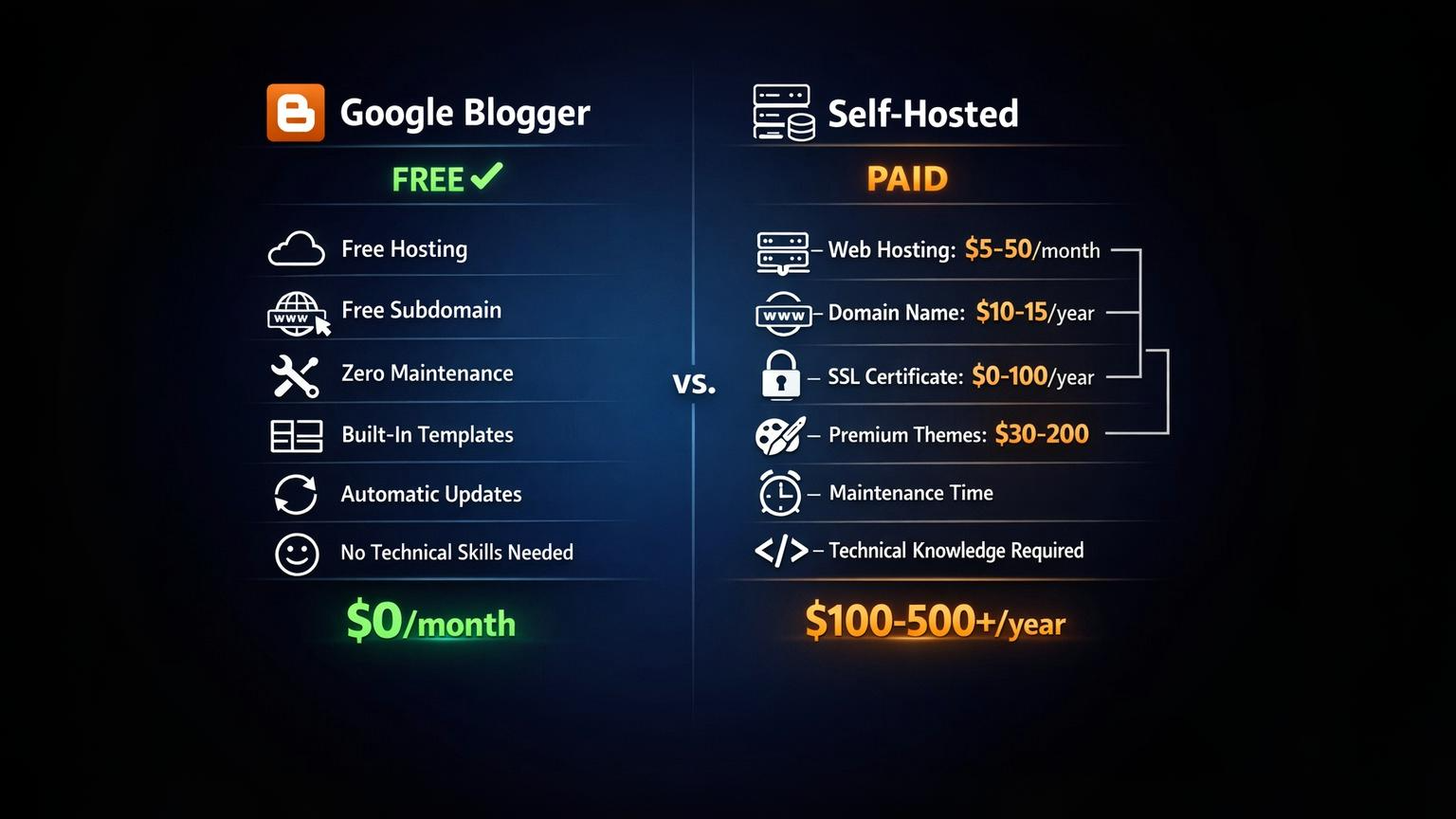
Starting a blog on Google Blogger costs nothing. This makes it perfect for testing whether you actually enjoy blogging, experimenting with different content types, or validating a niche before investing in hosting and a domain. You're learning the basics—writing consistently, understanding analytics, building an audience—without financial risk.
Once you've proven your concept or outgrown Google Blogger's limitations, you can export your content and migrate to a self-hosted platform. But for the MVP phase, Google Blogger removes barriers to entry.
At this stage, many beginners also compare Google Blogger with other beginner-friendly platforms to decide what fits their goals best, especially when simplicity and ease of use are the main priorities.
Quick Content Publishing Without Hosting Costs
Educators, small nonprofits, and community groups use Google Blogger because it's fast to set up and doesn't require a budget. Teachers create classroom blogs to share assignments and updates with parents. Nonprofits publish event announcements without paying for web hosting. The Google Drive integration means you can embed documents, slides, or spreadsheets directly into posts.
There's no server to manage, no software to update, and no hosting bill at the end of the month. For organizations that need a simple web presence without ongoing expenses, Google Blogger delivers reliable publishing.
Key Features That Make Google Blogger Useful
- Free hosting with Google infrastructure – Your blog runs on Google's servers, which means solid uptime and automatic security updates
- Custom domain support (optional) – You can connect your own domain name, replacing the default blogspot.com address
- Built-in templates and themes – Choose from pre-designed layouts that are mobile-responsive out of the box
- Mobile-responsive designs – Posts automatically adjust to fit different screen sizes
- Google Analytics integration – Track visitor behavior and traffic sources directly through your Google account
- Monetization options (AdSense) – Connect Google AdSense to display ads and generate income from your content
These features cover the basics without overwhelming new users. You won't get advanced customization, but you also won't need to troubleshoot plugins or worry about security patches.
Common Mistakes When Using Google Blogger
Treating it like a professional business platform
Google Blogger is not WordPress or Webflow. You're working with limited customization options, basic SEO controls, and templates that can look dated. If you need advanced design flexibility, complex workflows, or sophisticated marketing integrations, Google Blogger will frustrate you.
It works best for simple, straightforward blogs. Trying to force it into a role it wasn't designed for leads to wasted time and poor results.
Ignoring backup options
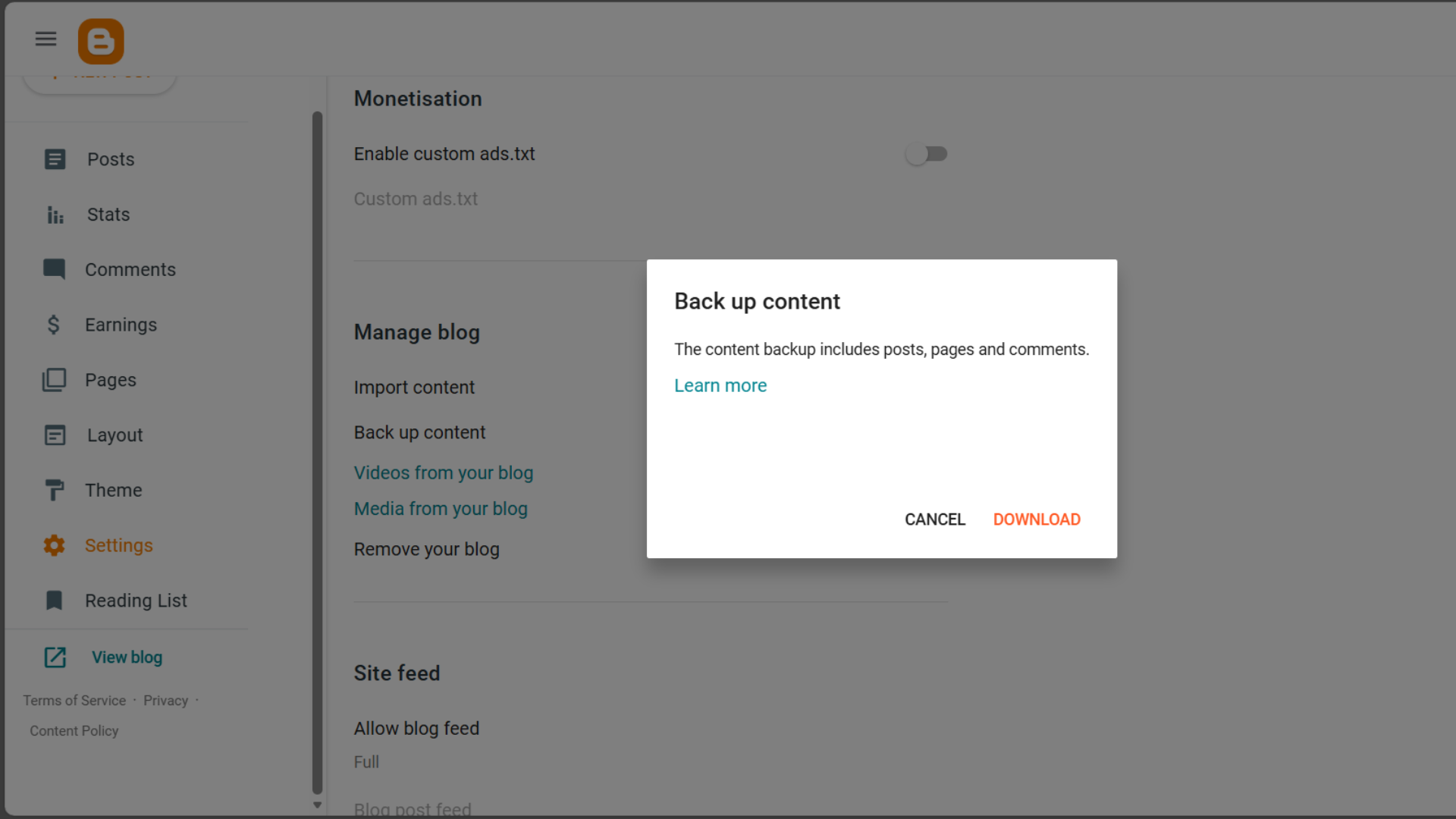
Your content lives entirely within Google's ecosystem. If your account gets compromised or Google makes unexpected changes, you could lose access. Google Blogger includes a built-in export function—use it regularly. Download your blog's XML file and store it somewhere safe. This takes two minutes and protects months or years of work.
Expecting advanced SEO control
Google Blogger gives you basic meta tags and permalink customization. That's it. You can't add schema markup easily, install SEO plugins, or fine-tune on-page elements the way you would with WordPress. For low-competition keywords, this is usually fine. But if SEO becomes your primary growth strategy, you'll hit a ceiling quickly.
Google Blogger works for organic traffic in less competitive niches. Once you're competing for high-volume keywords, the platform's limitations become a problem.
Frequently Asked Questions (FAQ)
1. Is Google Blogger still active?
Yes. Google continues to maintain Blogger, though major updates are infrequent. The platform receives security patches and minor improvements, but it's not seeing the kind of active development you'd find with newer tools.
2. Can you make money with Google Blogger?
Yes, through Google AdSense. Once your blog meets AdSense eligibility requirements, you can display ads and earn revenue from clicks and impressions. It's straightforward to set up directly from the Google Blogger dashboard.
3. Is Google Blogger good for SEO?
Google Blogger supports basic SEO—meta titles, descriptions, and custom permalinks. It's sufficient for targeting low-competition keywords, but it lacks the advanced tools and plugins available on WordPress. If SEO is critical to your strategy, plan to migrate eventually.
4. What's the difference between Google Blogger and WordPress?
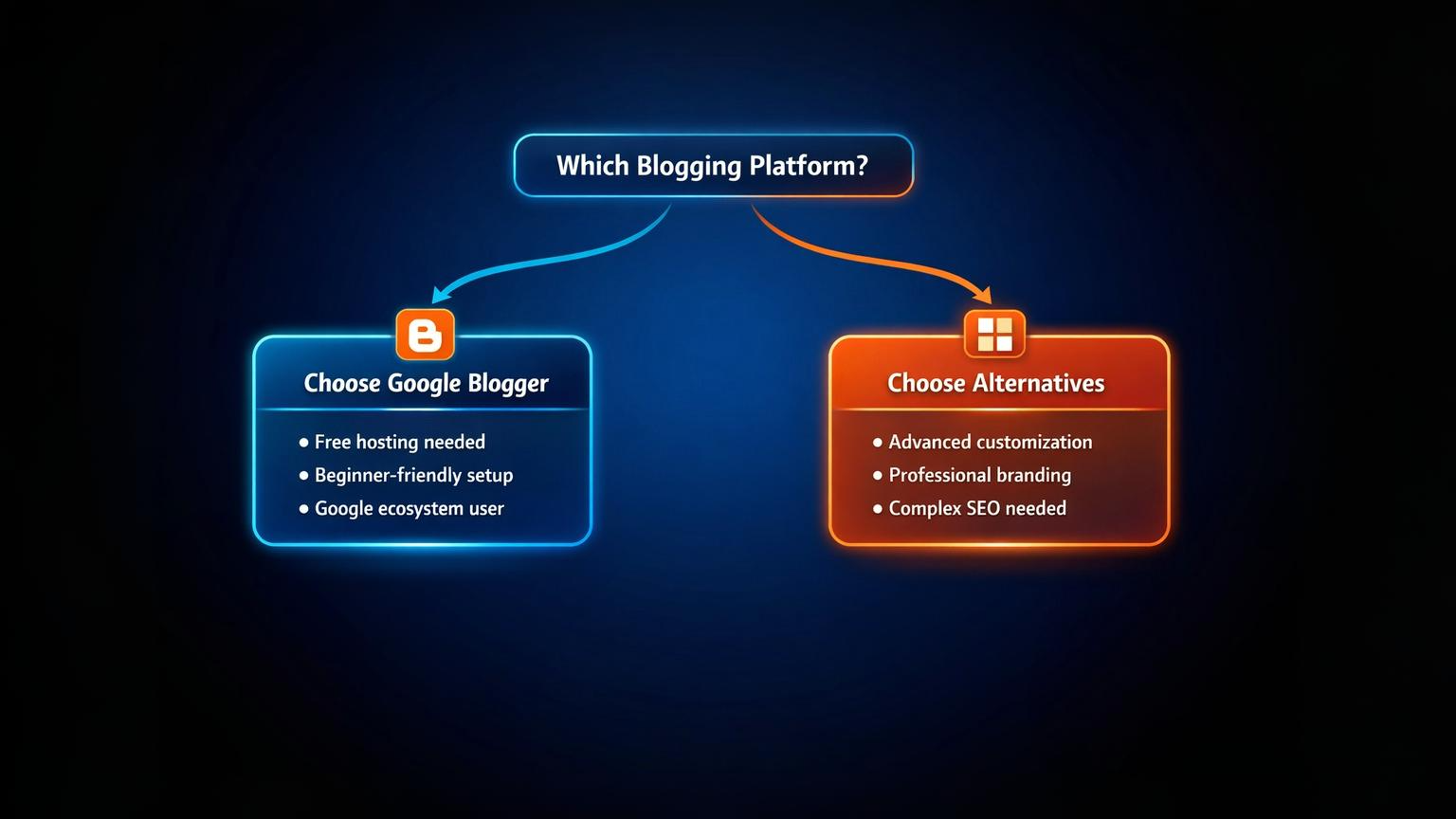
Google Blogger is free and simple but limited. WordPress (self-hosted) offers far more flexibility and customization but requires hosting, a domain, and ongoing maintenance. Choose Google Blogger if you want zero cost and minimal setup. Choose WordPress if you need control and scalability.
Final Thoughts: When Blogger Makes Sense
Use Google Blogger if you're a beginner, a hobbyist, or testing a content idea. It removes financial barriers and technical complexity, letting you focus on writing and publishing. You won't get enterprise-level features, but you also won't spend time troubleshooting hosting issues or managing plugins.
As your needs grow—whether that's advanced design, better SEO tools, or professional branding—you'll likely outgrow Google Blogger. At that point, export your content and migrate to a self-hosted platform. But for getting started quickly and learning the fundamentals of blogging, Google Blogger remains a solid, no-hassle option.
Published by URX Media, a platform focused on learning and explaining digital marketing, business and technology concepts through simple, accurate breakdowns.
📚Related Articles

How to Promote Your Blog Without Social Media: 12 Proven Methods
Discover practical, sustainable methods to drive traffic and grow your blog audience without relying on social platforms like Instagram, Facebook, or TikTok.

Can You Actually Make Money on Reddit?
Yes, you can make money on Reddit through official programs and community participation, but it requires genuine engagement, meeting eligibility requirements, and understanding platform-specific rules.
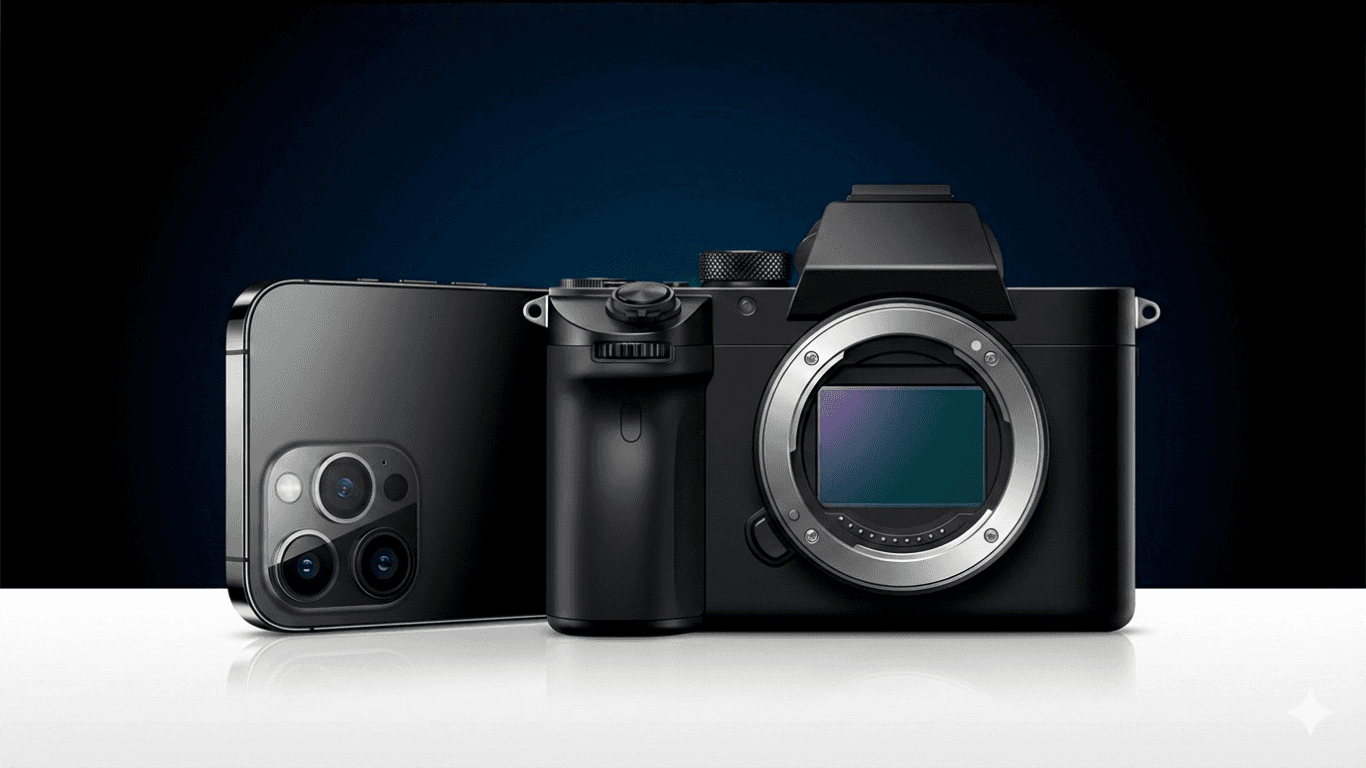
Do I Need a Camera for Vlogging?
No, you don't need a dedicated camera to start vlogging. Your smartphone's camera quality is sufficient for beginners to create engaging content and test your vlogging concept. Upgrade to a dedicated camera only after you've proven your content works and identified specific limitations your phone can't overcome.
Showing 3 of 4 posts